
Admin Preview
Preview how translations would look like on your website before enabling Polyglot for the general public.
Last updated on 30 October 2026
Imagine this.
You have registered your website for Polyglot, and have gone ahead to enable Polyglot for your Isomer website or embedded Polyglot's script tag in your WebSG or custom web application.
You are left with one final step before the general public can begin browsing your website with AI-powered translations: enabling the widget on Polyglot Studio.
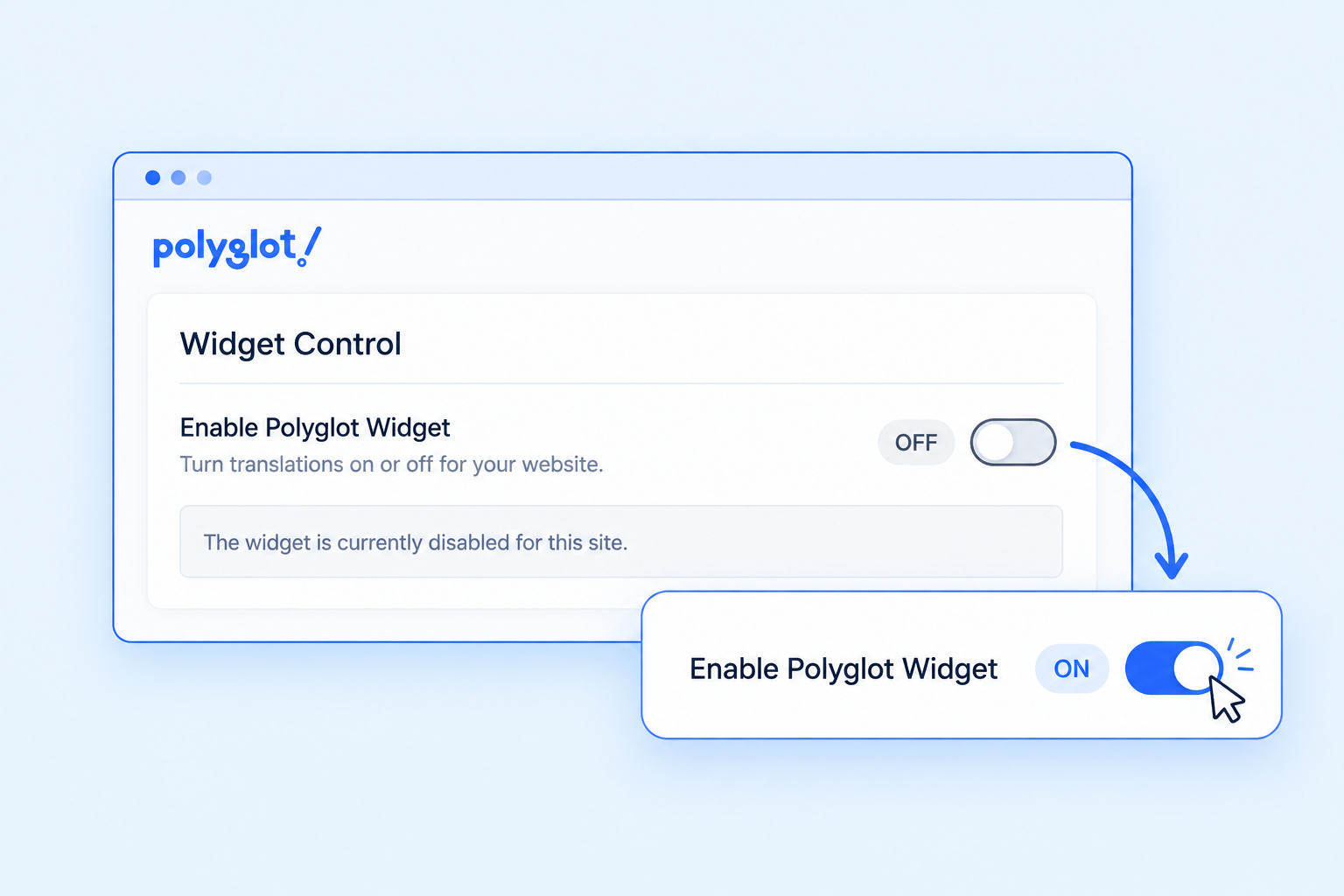
However, you would like to ensure that Polyglot works well with your website and that translations are accurate before enabling the widget. Well, you absolutely can!
After logging in to Polyglot Studio, click Edit on your site to open your website with the translation editing toolbar.
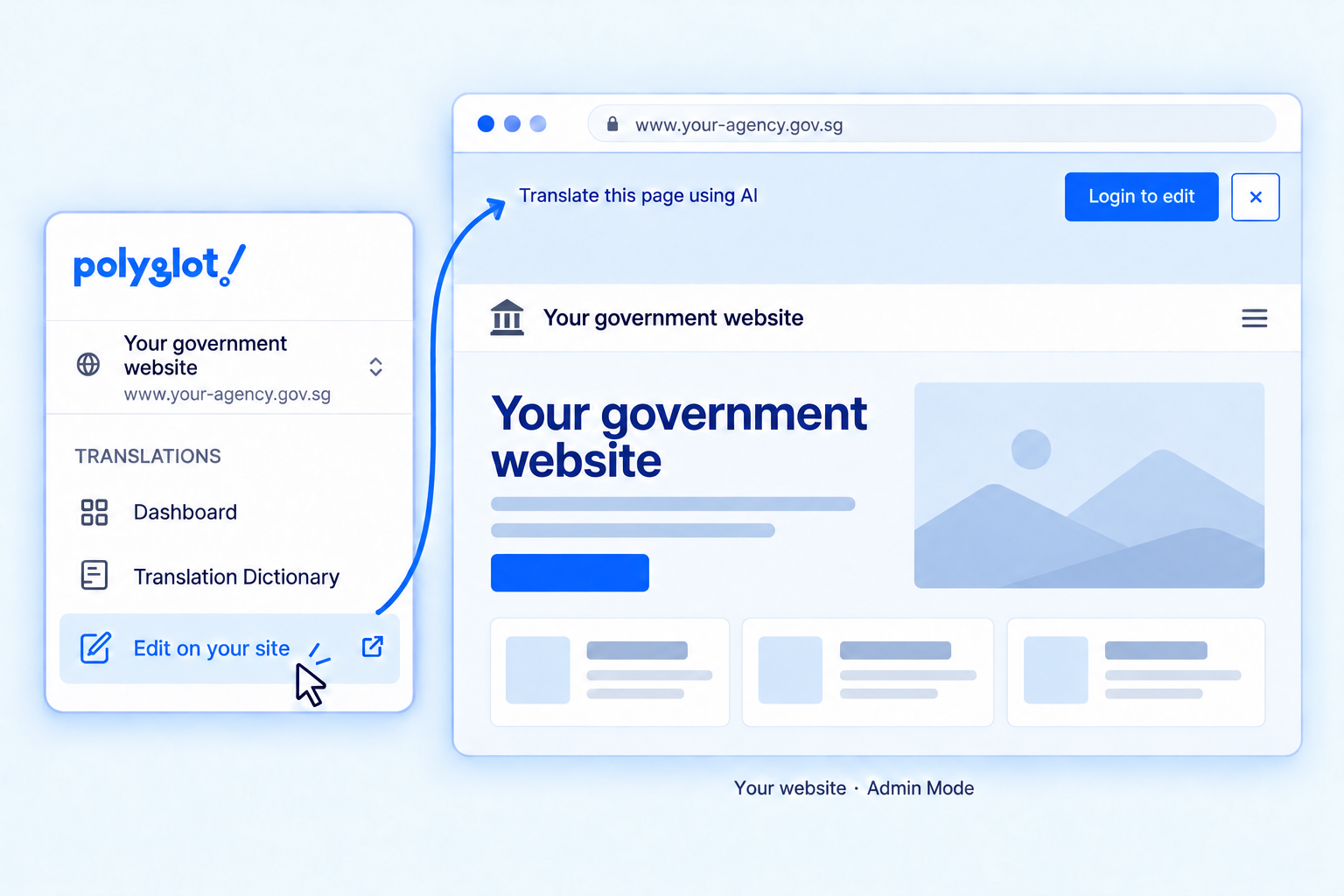
Then click Login to edit to sign in. Once you’re signed in, you can trigger translations directly on your website.
This is Admin Mode — it gives you editing controls that regular visitors won’t see.
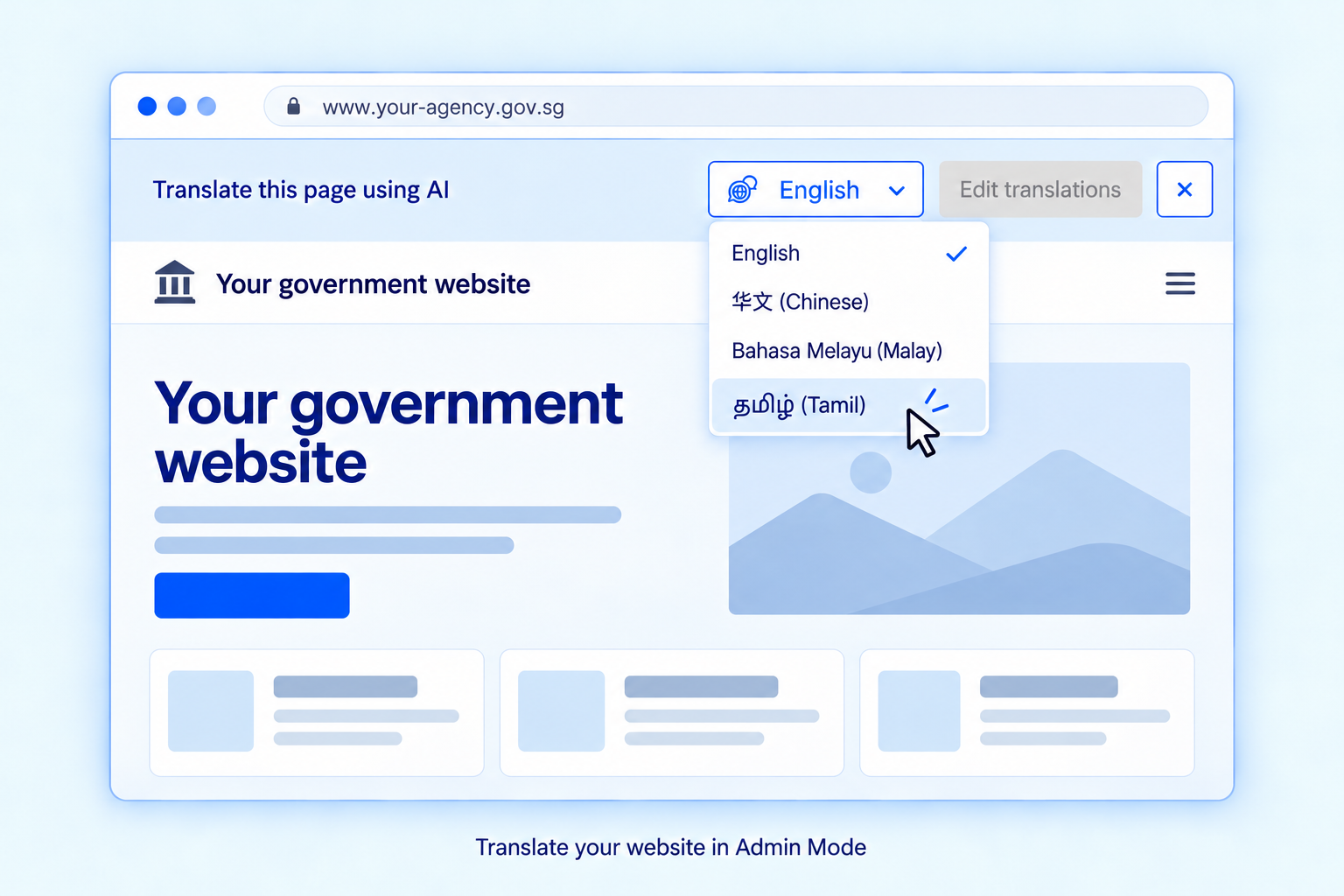
You can now preview all Polyglot translations on your live site before making them available for your users with full confidence!
You can do more than just preview translations in Admin Mode.
Admin Mode also allows you to override AI translations when nuance and additional context matters.