
Polyglot Studio
Own your translations and track usage from your site visitors.
Last updated on 31 October 2026
Polyglot Studio gives site admins the tools to review translations, track usage and feedback, manage team access, and control how Polyglot works on your website.
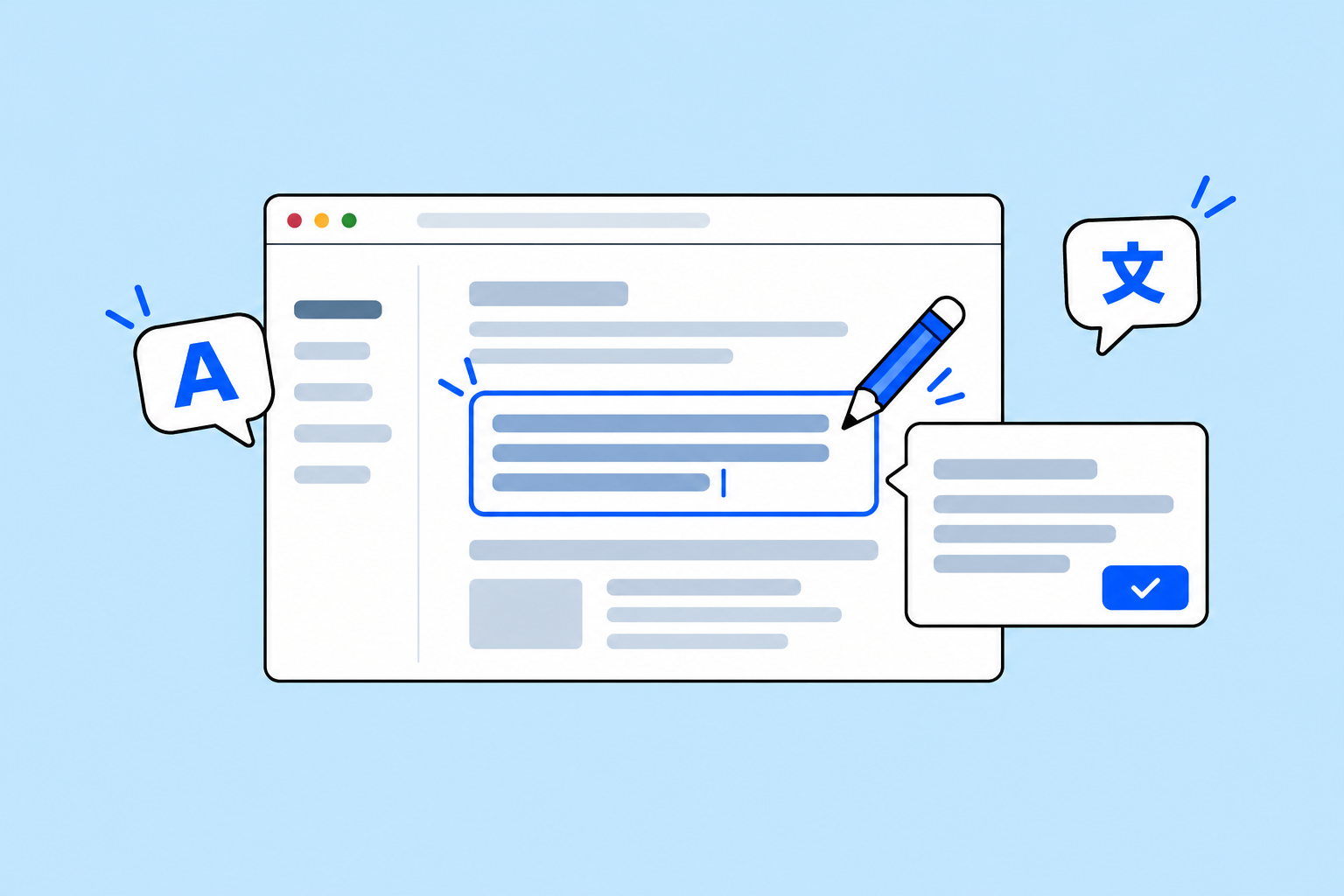
Override automated translations
Open your live website through Polyglot Studio and review or refine automated translations if needed.

Track usage and visitor feedback
See which of your pages are being translated and how often.
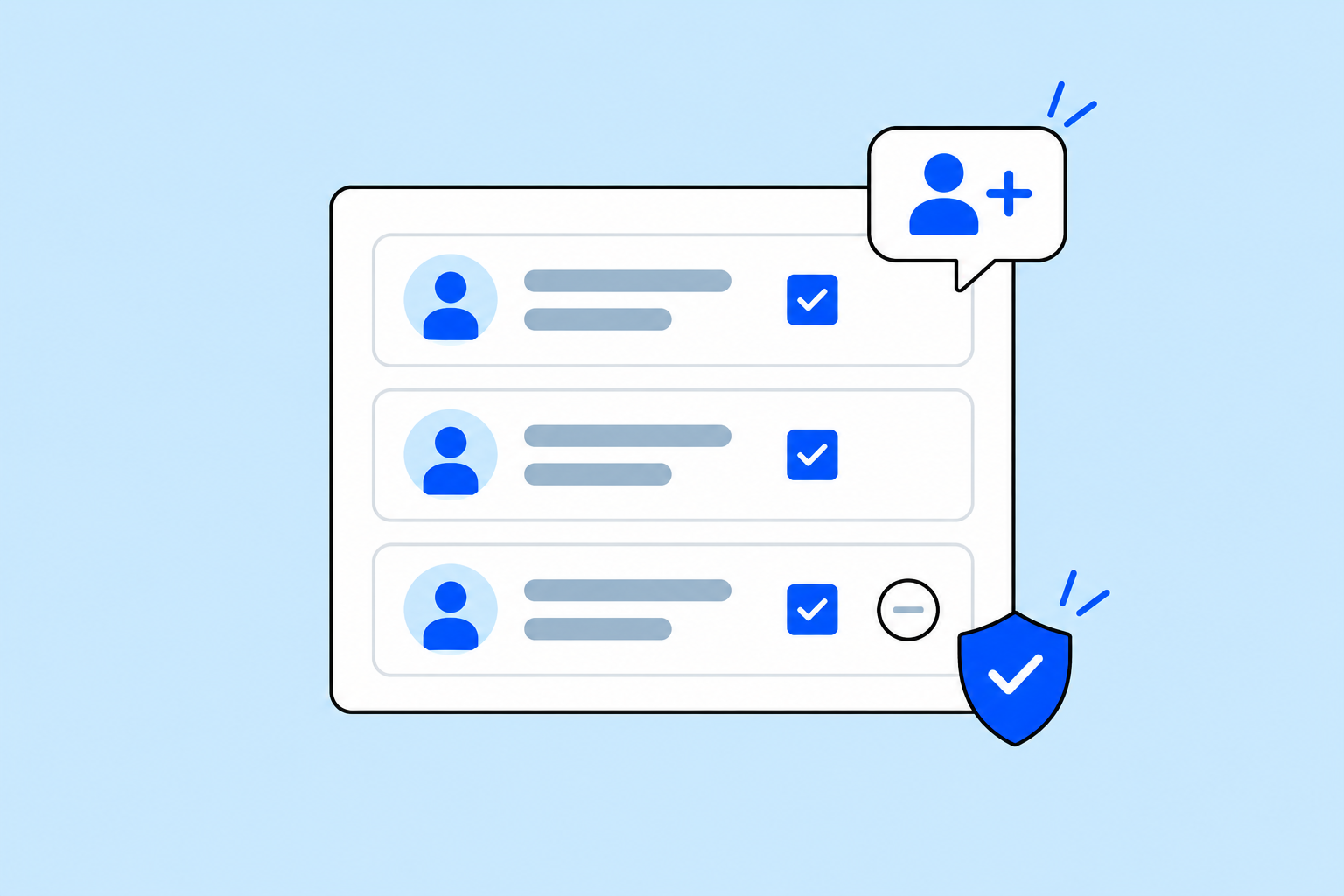
Manage team access
Add or remove team members so the right people can help own your website’s translations together.
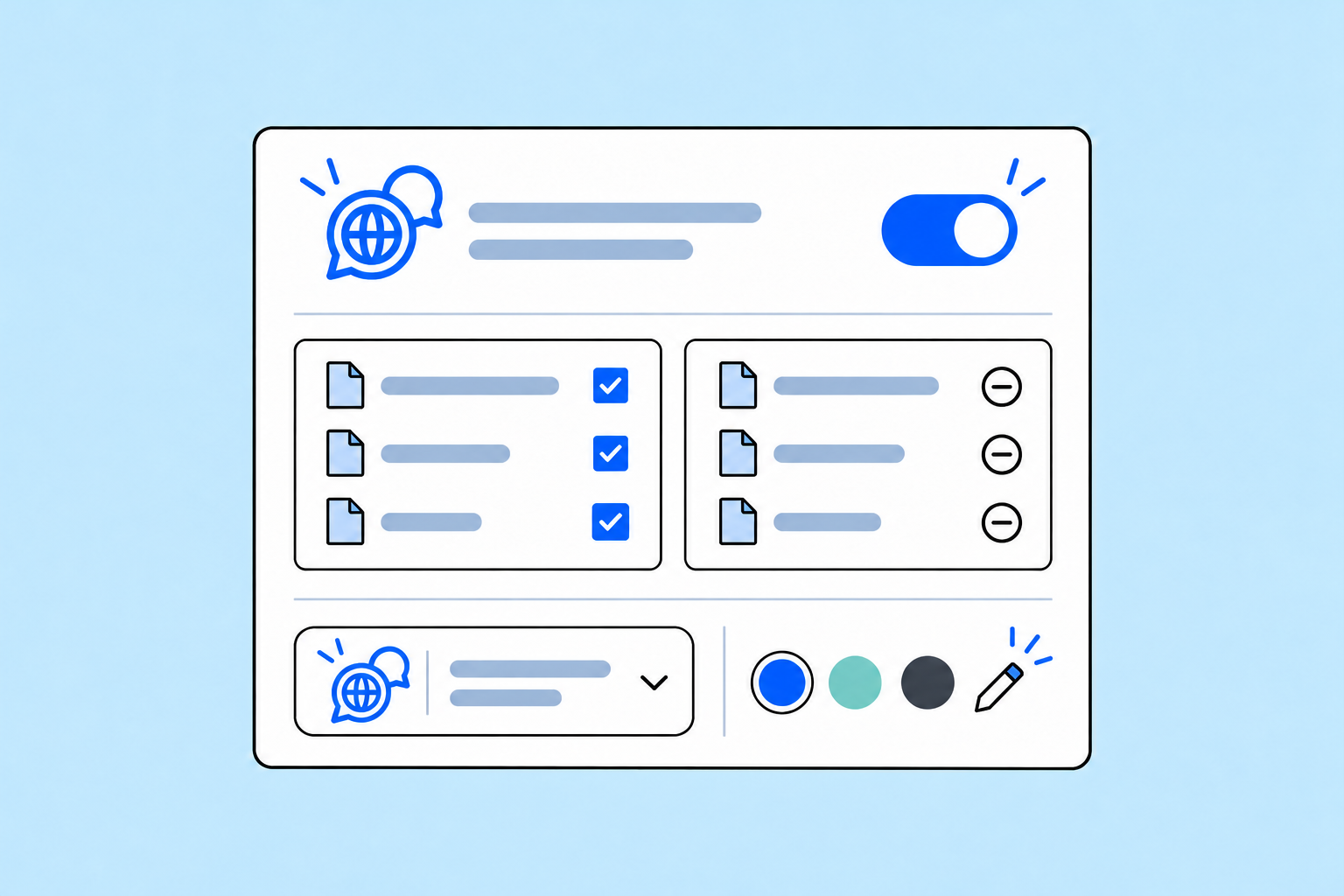
Control how Polyglot works on your site
Turn the widget on or off, choose which pages can be translated with allowlists and denylists, and customise its appearance to match your website.