
Manage your website in Polyglot Studio
Use Polyglot Studio to manage team access, view translation usage and feedback, and control the widget on your website.
Last updated on 15 November 2026
Polyglot Studio is where your team manages Polyglot for your website.
Use it to open the translation editor, view usage and feedback, manage team access and control the public widget.
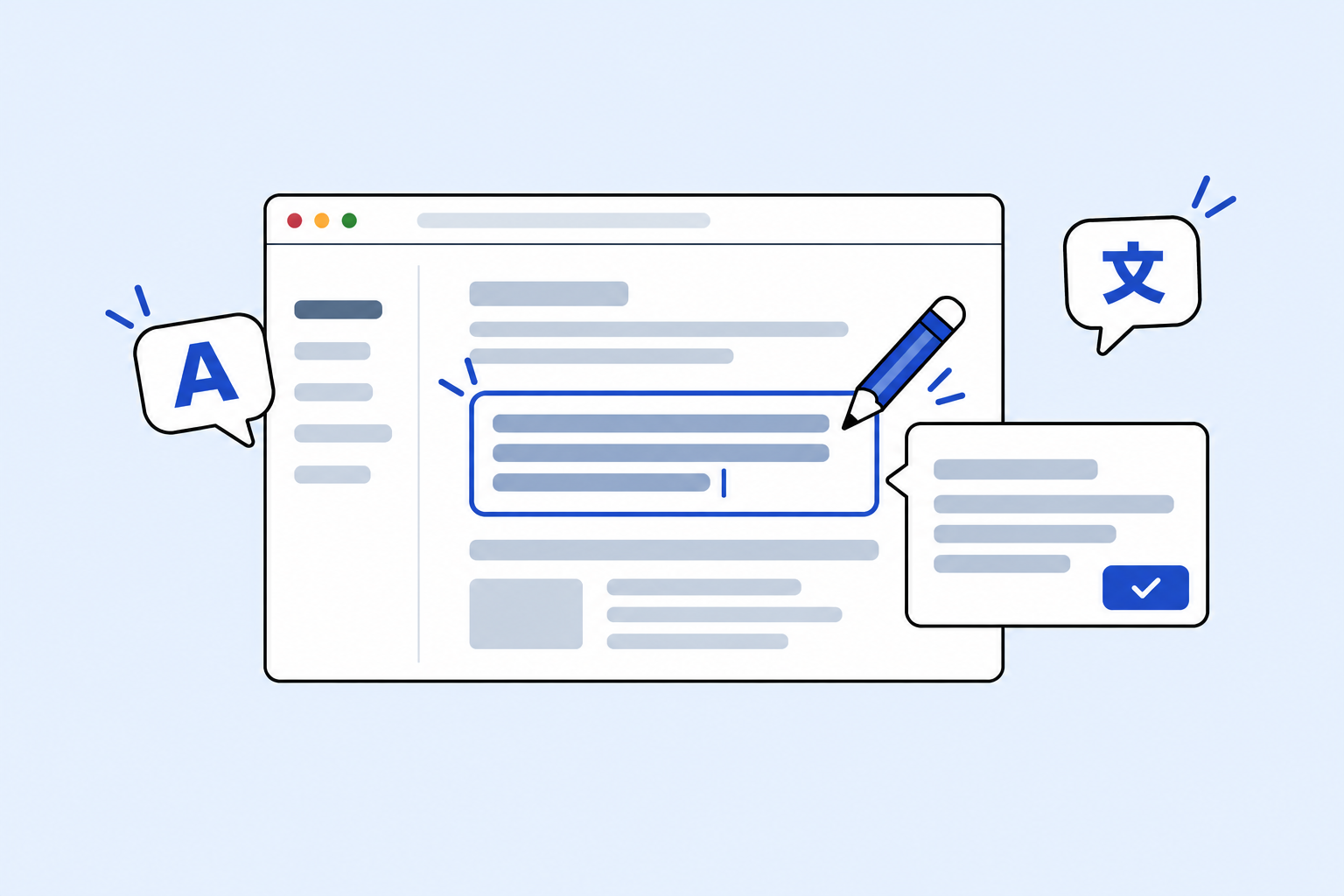
Review and correct translations
Open your website from Studio to review AI translations and correct wording that needs attention.
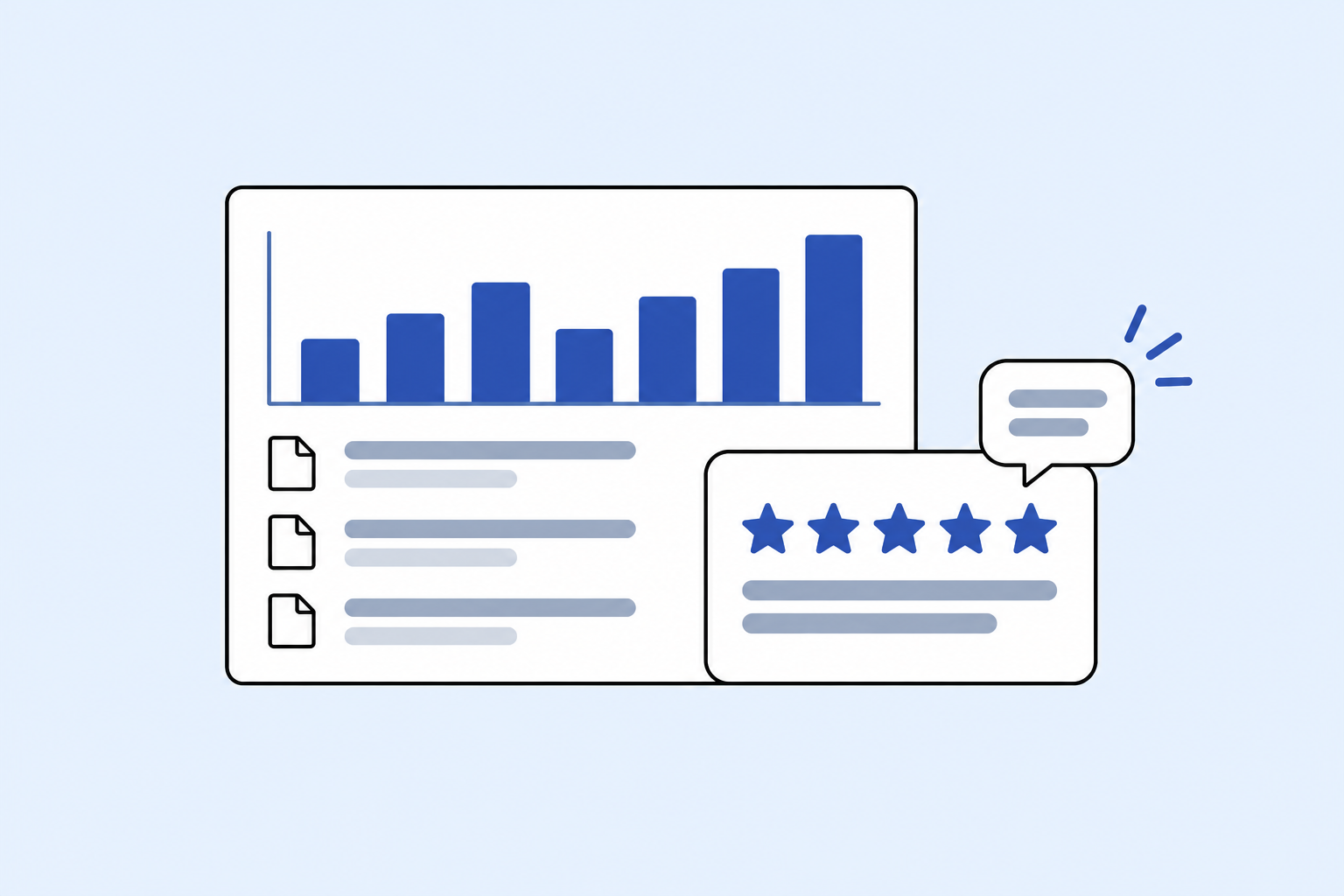
View usage and feedback
See which pages visitors translate and how often. Feedback submitted through the widget is available to agency admins in Studio.
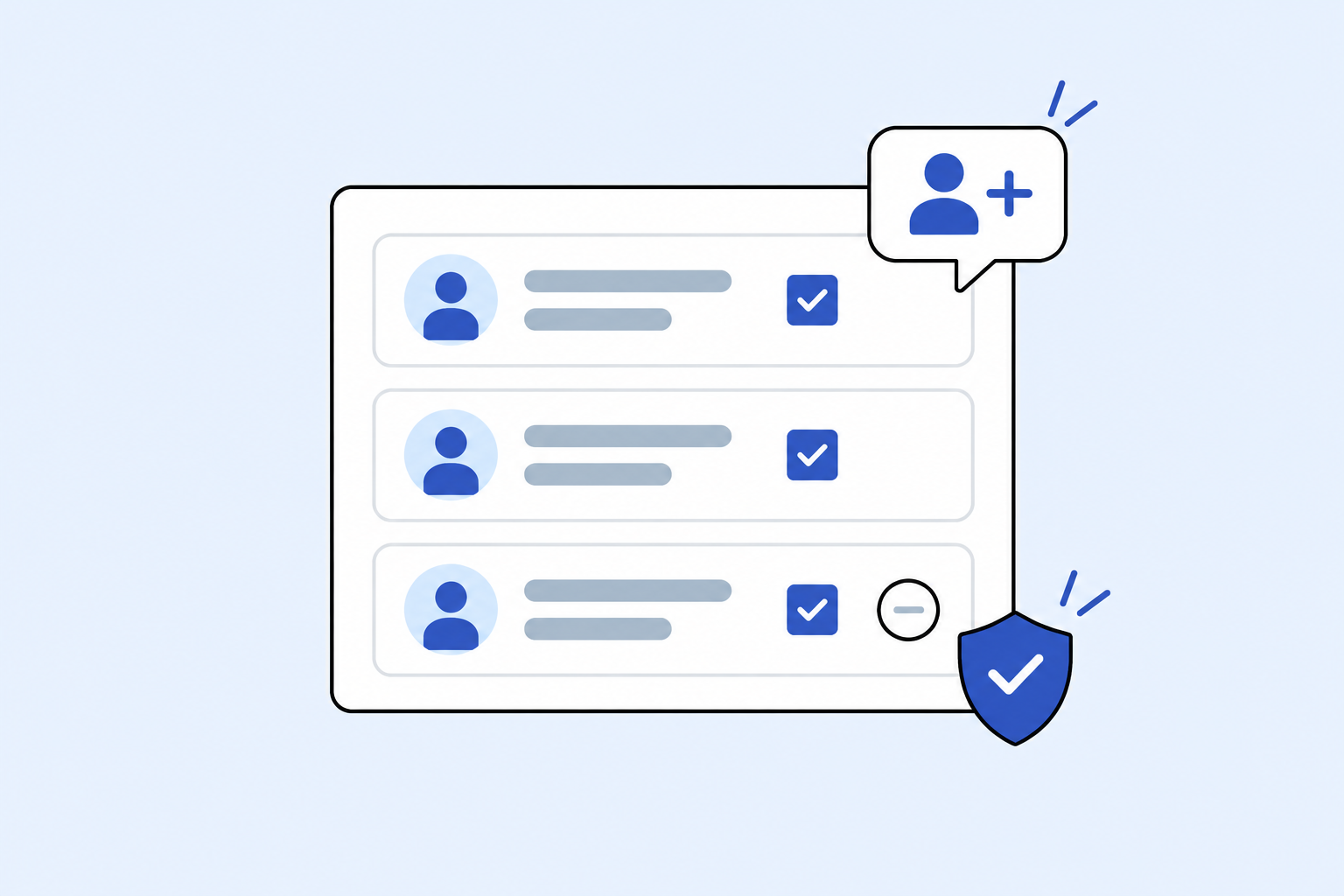
Manage team access
Manage the team members who help maintain your website’s translations.
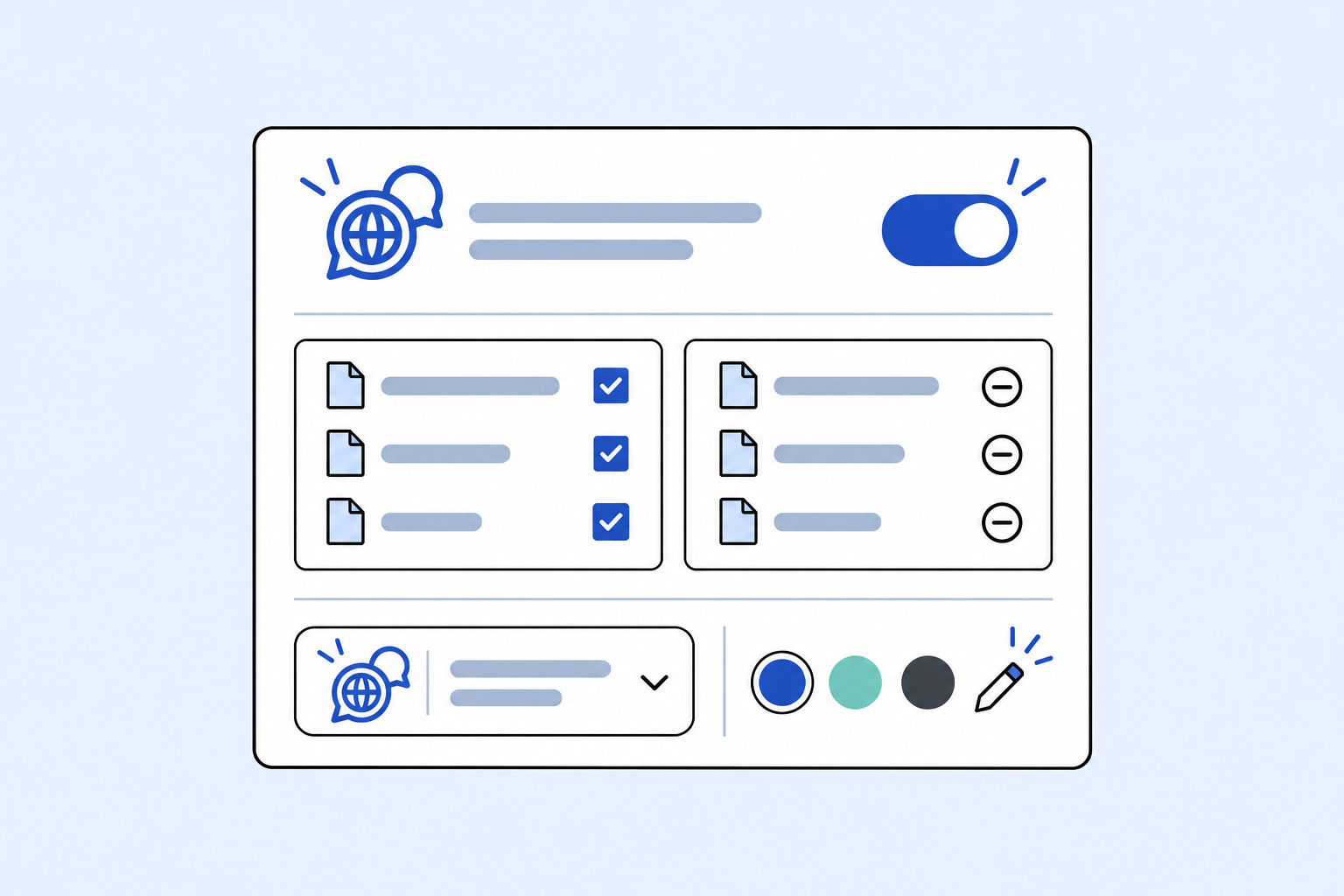
Control how Polyglot works on your site
Turn the widget on or off, choose which pages can be translated with allowlists and denylists, and customise its appearance to match your website.